
Interactive eLearning Design Analyzer
Let's design your interactive module. First, what is the primary goal of this specific lesson?
Knowledge Acquisition
Memorizing facts, dates, or definitions.Skill Application
Using software, machinery, or processes.Decision Making
Soft skills, negotiation, or safety choices.Identification
Spotting hazards, features, or errors.Great choice. Now, how complex should the interaction be?
This helps us recommend the right authoring tool from the article.
Strategy Title
Description goes here.
Tool Name
Reasoning...
💡 Pro Tip from the Article:
Tip content...
Imagine watching a video where the character looks at you and asks, 'What would you do next?' You click an option, and the story changes based on your choice. That is interactive eLearning. It turns passive viewers into active participants. Traditional courses often feel like watching paint dry. Slides stack up, voices drone on, and retention drops fast. Interactive content flips this script. It keeps learners awake, involved, and ready to apply what they know.
You might be wondering how to build something like that without a computer science degree. The good news is you don't need one. With the right tools and a clear plan, anyone can create engaging digital lessons. This guide breaks down the process into manageable steps. We will cover planning, designing, building, and testing. By the end, you will have a roadmap to launch your first interactive module.
Define Your Learning Objectives First
Before opening any software, ask yourself what the learner should achieve. Vague goals lead to messy courses. Instead of saying 'learn about safety,' specify 'identify three hazards in a warehouse.' Clear objectives drive every decision you make later. They tell you whether you need a quiz, a simulation, or a simple checklist.
Use the SMART framework here. Specific, Measurable, Achievable, Relevant, and Time-bound goals keep you focused. For example, if you are training sales staff, your goal might be 'close a mock deal using the new CRM tool within 10 minutes.' This objective suggests a role-play scenario rather than a lecture. It forces you to think about interaction early on.
- Identify the gap: What skill or knowledge is missing?
- Set the outcome: What can the learner do after the course?
- Choose the format: Does this require practice or just information?
Writing these down saves hours of rework. If your objective is to memorize dates, a flashcard game works. If it is to negotiate a salary, a branching dialogue tree is better. Match the method to the goal.
Choose the Right Authoring Tool
You cannot write a novel with a hammer. Similarly, you need the right software to build eLearning. There are many options, from free tools to enterprise suites. Your choice depends on your budget, technical skills, and desired complexity.
| Tool Name | Best For | Difficulty Level | Key Feature |
|---|---|---|---|
| Articulate Storyline 360 | Complex interactions, simulations | Intermediate to Advanced | Drag-and-drop interface with timeline control |
| Adobe Captivate | Software simulations, VR/AR | Advanced | Screen recording and automated software demos |
| H5P | Quick, web-based interactive content | Beginner | Free, open-source plugins for WordPress/LMS |
| Camtasia | Screencasts with basic quizzes | Beginner | Easy video editing with overlay questions |
If you are new to this, start with H5P or Camtasia. They have gentle learning curves. H5P lets you add interactive videos, quizzes, and presentations directly to a website. No coding needed. Camtasia is great if your course relies heavily on showing someone how to use software. You record your screen, then pop in multiple-choice questions to check understanding.
For more control, look at Articulate Storyline. It works like PowerPoint but with superpowers. You can create variables, triggers, and states. Want a button that only appears after answering three questions correctly? Storyline handles that easily. Adobe Captivate is similar but shines in creating realistic software simulations. If your job involves training people on complex apps, Captivate is worth the investment.
Design for Interaction, Not Just Information
Interaction is not just adding a quiz at the end. It means weaving engagement throughout the lesson. Think about cognitive load. Humans get overwhelmed when too much info hits at once. Break content into small chunks. Use the 'chunking' principle. One concept per slide or screen. Then, let the learner interact with that concept before moving on.
There are several types of interactions you can use:
- Branching Scenarios: Learners make choices that lead to different outcomes. Great for soft skills like customer service or leadership.
- Drag-and-Drop: Ideal for categorization tasks. Ask learners to sort items into 'Safe' and 'Unsafe' buckets.
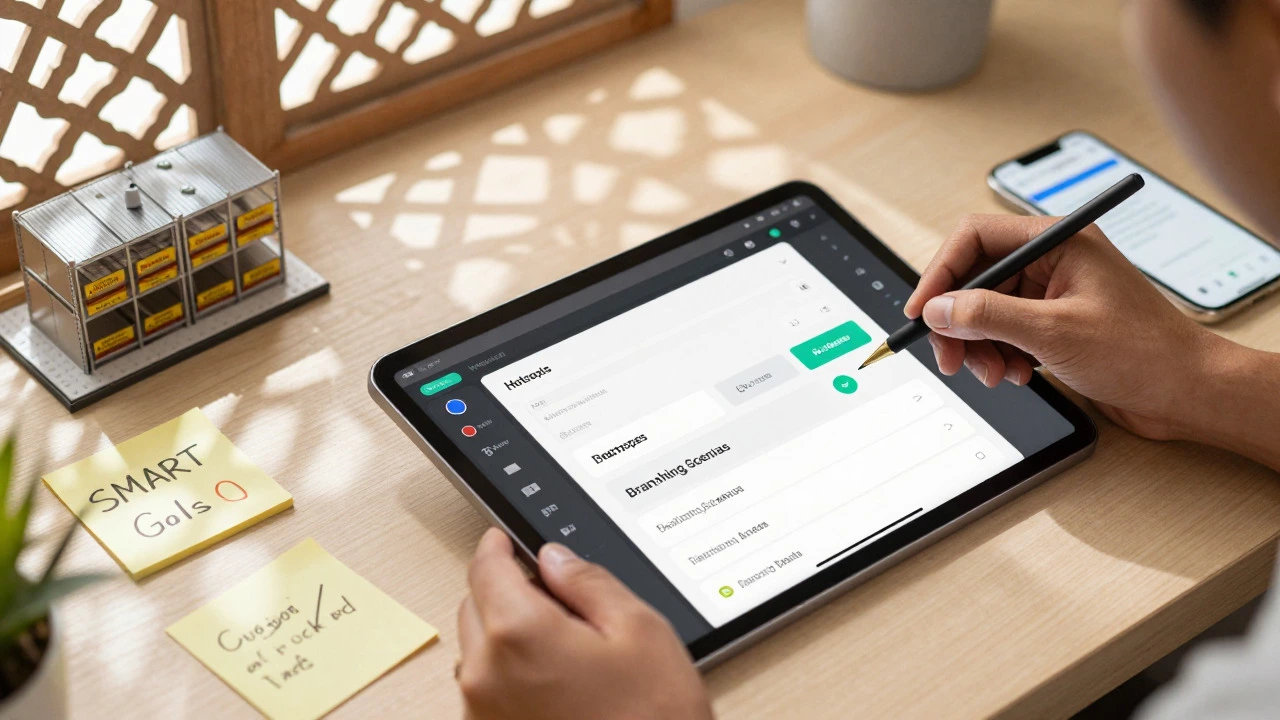
- Hotspots: Clickable areas on an image. Useful for identifying parts of a machine or features in a UI.
- Simulations: Replicate real-world tasks. Let users practice filling out forms or operating machinery in a risk-free environment.
Avoid 'click-to-reveal' traps. These are slides where users click a button to show the next line of text. This is not true interaction; it is just pacing. Real interaction requires the learner to process information and make a decision. Give them feedback immediately. If they get it wrong, explain why. If they get it right, reinforce the correct logic.
Build with Accessibility in Mind
Accessible eLearning ensures everyone can learn, regardless of ability. It is also often a legal requirement. Start by adding alt text to all images. Describe what is in the picture for screen readers. Ensure color contrast is high enough for those with visual impairments. Do not rely on color alone to convey meaning. Use icons or labels too.
Keyboard navigation is crucial. Can a user tab through your entire course without a mouse? Test this yourself. Turn off your mouse and try to complete a quiz using only the arrow keys and Enter. If you get stuck, so will your users. Add captions to all videos. Many learners watch without sound in noisy environments. Captions help them stay on track.
Keep language simple. Avoid jargon unless necessary. Define terms clearly. Use consistent terminology throughout. If you call a feature 'Submit' on one screen, do not call it 'Send' on another. Consistency reduces cognitive friction.

Test Rigorously Before Launch
Never skip testing. Bugs kill credibility. If a link breaks or a quiz does not score correctly, learners lose trust. Test on multiple devices. Check how your course looks on a desktop, tablet, and phone. Responsive design is no longer optional. Many learners access content on mobile during commutes or breaks.
Perform a 'dry run' with a colleague who knows nothing about the topic. Watch them navigate. Where do they hesitate? What confuses them? Their reactions are gold. Note every pause and question. Fix those pain points before publishing.
Verify SCORM compliance if you are uploading to an LMS (Learning Management System). SCORM is the standard that allows your course to communicate with the platform. It tracks progress, scores, and completion status. Most authoring tools export to SCORM 1.2 or 2004 automatically. But always test the upload. Sometimes settings get messed up. Ensure the LMS records the final score correctly.
Analyze and Iterate
Launching is not the end. It is the beginning. Use data to improve. Most LMS platforms provide reports. Look at completion rates. Are people dropping off at a specific slide? That slide might be too long or confusing. Check quiz scores. Which questions do most people miss? Those topics need clearer explanation or better examples.
Gather qualitative feedback too. Add a short survey at the end. Ask what was helpful and what was boring. Listen to the complaints. If five people say the audio was hard to hear, fix the audio mix. Continuous improvement makes your eLearning sharper over time.
How long should an interactive eLearning module be?
Aim for 5 to 10 minutes per module. Attention spans drop significantly after 10 minutes. Break larger topics into smaller microlearning chunks. This approach improves retention and fits better into busy schedules.
Do I need to know how to code to create interactive courses?
No. Modern authoring tools like Articulate Storyline, Adobe Captivate, and H5P are designed for non-programmers. They use drag-and-drop interfaces and pre-built templates. Basic HTML/CSS knowledge helps for custom styling but is not required for core functionality.
What is SCORM and why do I need it?
SCORM (Sharable Content Object Reference Model) is a technical standard for eLearning. It allows your course to talk to your LMS. Without SCORM, the LMS cannot track who finished the course, their quiz scores, or how long they spent on each page. Most corporate and educational platforms require SCORM-compliant files.
How do I make my eLearning accessible?
Start with alt text for images, captions for videos, and high color contrast. Ensure keyboard navigation works smoothly. Use clear, simple language and define jargon. Test with screen reader software to catch issues. Accessibility benefits all learners, not just those with disabilities.
Is video necessary for interactive eLearning?
Video is powerful but not mandatory. Interactive elements like quizzes, drag-and-drops, and branching scenarios can be built with static graphics and text. However, video adds emotional connection and realism. Use it sparingly and ensure it has interactive overlays to maintain engagement.